The store will not work correctly in the case when cookies are disabled.
We collect user information to provide a better user experience and protect the security of our website. By continuing to use our website, you acknowledge the use of cookies.
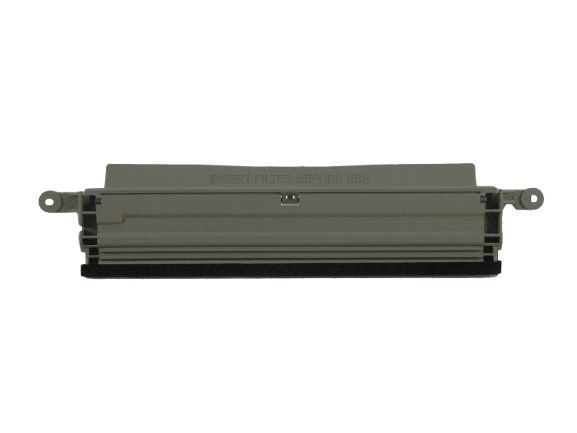
The LG 3550EL2004B Lint Screen Filter Cover is designed to collect lint effectively to improve air circulation and the dryer's effectiveness. It channels lint to the screen to avoid accumulation within the appliance. This minimizes risks and ensures that the drying process is as effective as possible. A filter cover that is well placed is used in increasing the longevity of the dryer.
Step 1: The LG dryer should be disconnected from the wall outlet or detached from the power source to prevent it from activating while the lint screen guide filter cover is being replaced.
Step 2: The dryer door should be opened and the lint screen guide filter cover should be found – it should be positioned in the upper left corner of the dryer interior.
Step 3: The screws should be taken out from the lint screen guide filter cover, utilizing a Phillips head screwdriver.
Step 4: The lint screen guide filter cover should be raised off the dryer interior, then the old filter should be disposed of.
Step 5: The new lint screen guide filter cover should be placed. It should be fastened in position with the screws that were extracted in Step 3.
Step 6: The dryer should be reattached to the power source or plugged back into the wall outlet.
Your LG Dryer 3550EL2004B is now prepared for use with a new lint screen guide filter cover.
Be aware that these instructions are served as general guidance and should always be utilized alongside the manufacturer's manual, if available.