
The store will not work correctly in the case when cookies are disabled.
We collect user information to provide a better user experience and protect the security of our website. By continuing to use our website, you acknowledge the use of cookies.
Observance of Independence day July 4th we are closed [No shipping's and deliveries ] on 07/03/2026, Orders received after 3.00pm CST on 07/02/2026 will be shipping out on Monday 07/06/2026
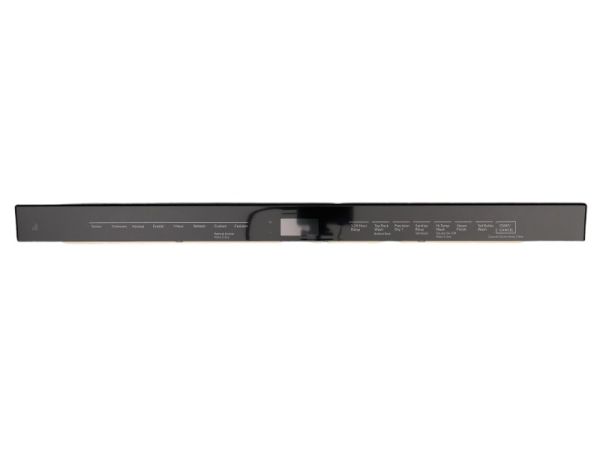
The Whirlpool W11302461 Dishwasher Control Panel is a necessary component that controls the interaction of the user with the appliance. It works by taking selections and sending signals to the electronic control system and organizing wash cycles, temperature, and timing. It is placed on the front of the dishwasher which makes it easily accessible to controls. This control panel is designed to be durable which contributes to the stable operation of the dishwasher.
What maintenance is required for the Whirlpool W11302461 Control Panel?
Check that each touchpad responds consistently when selecting wash cycles or options. Keep the panel surface dry to maintain accurate input recognition during operation. Verify displayed settings match selected programs before starting. Monitor for delayed responses that could interrupt normal cycle selection.
What are common issues with the Whirlpool W11302461 Control Panel?
Buttons are not responding to presses.
Cycle selections not registering correctly.
Display is failing to show settings.
Controls resetting during use.
Installation Steps
Step1: Unplug the dishwasher to prevent electrical hazards.
Step2: Remove the screws securing the existing control panel.
Step3: Carefully detach the old panel and disconnect all wiring connectors.
Step4: Position the new control panel in place.
Step5: Reconnect all wiring and secure with screws.
Step6: Restore power and test all controls for proper operation.
