
The store will not work correctly in the case when cookies are disabled.
We collect user information to provide a better user experience and protect the security of our website. By continuing to use our website, you acknowledge the use of cookies.
Observance of Labor day 09/07, Monday we are closed [No shippings and deliveries ], Orders received after 3.00pm CST on 09/04/2026 will be shipping out on Tuesday 09/08/2026.
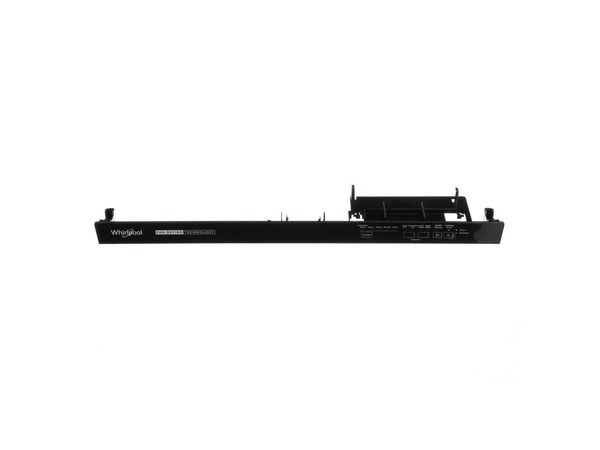
The Whirlpool W11613564 Dishwasher Console Assembly is the user interface such as buttons and display elements that enable one to select wash cycles and other settings of the operations. The console assembly is placed on the front of the dishwasher and is connected to the internal control board to transmit user commands and give the status of the cycle. It is the primary point of contact and plays an essential role in controlling and monitoring the performance of the dishwasher.
What maintenance is required for the Whirlpool W11613564 Console Assembly?
Wipe the console with a soft, damp cloth to remove spills or residue. Avoid abrasive cleaners. Ensure all wiring connections are secure and buttons respond correctly to maintain reliable control of wash cycles.
What are common issues with the Whirlpool W11613564 Console Assembly?
Buttons not responding.
Cycles failing to start.
Display not functioning.
Error codes appearing.
Installation Steps
Step1: Disconnect power to the dishwasher to prevent electrical hazards.
Step2: Open the dishwasher door and remove screws securing the old console.
Step3: Disconnect wiring harnesses and remove the old console.
Step4: Install the new console assembly and reconnect wires securely.
Step5: Tighten screws to secure the console.
Step6: Restore power and test all control functions.
